
Download Bookboon – Free Online Learning for Professionals, Group Courses & E‑Books
Overview
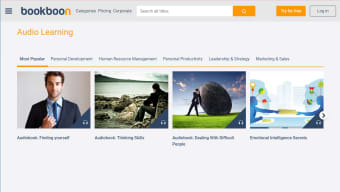
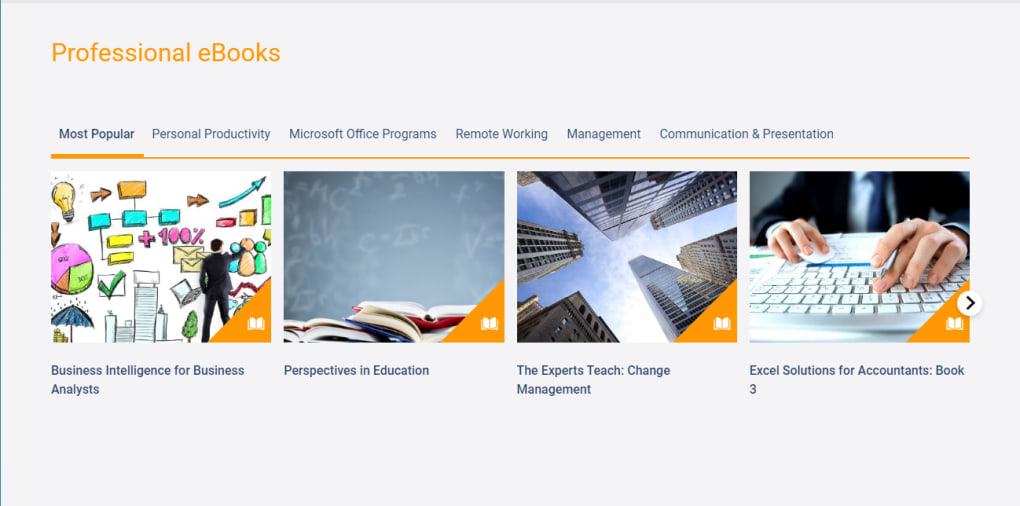
Bookboon is a cloud‑based learning platform that targets businesses, teams, and individual professionals who want to keep their skills sharp without breaking the budget. Operated by Bookboon Ltd., the service offers a 30‑day free trial that unlocks access to thousands of e‑books, audiobooks, and short video courses covering leadership, marketing, finance, soft‑skills, and many niche industry topics. What sets Bookboon apart from giant competitors such as Udemy or Coursera is its emphasis on collaborative learning: administrators can create Teams, assign a specific “Focus” for each group, and monitor progress through a unified dashboard.
An AI‑driven recommendation engine suggests new courses based on a user’s learning history, helping learners discover relevant content they might otherwise miss. After the trial, the platform shifts to a tiered subscription model that scales with the size of the organization, offering monthly or annual plans that include analytics, custom branding, and priority support. Whether you’re a solo professional seeking to boost your résumé or an HR leader aiming to embed continuous education into the corporate culture, Bookboon provides a secure, easy‑to‑navigate environment that encourages knowledge sharing and measurable growth.
Key Features & Learning Tools
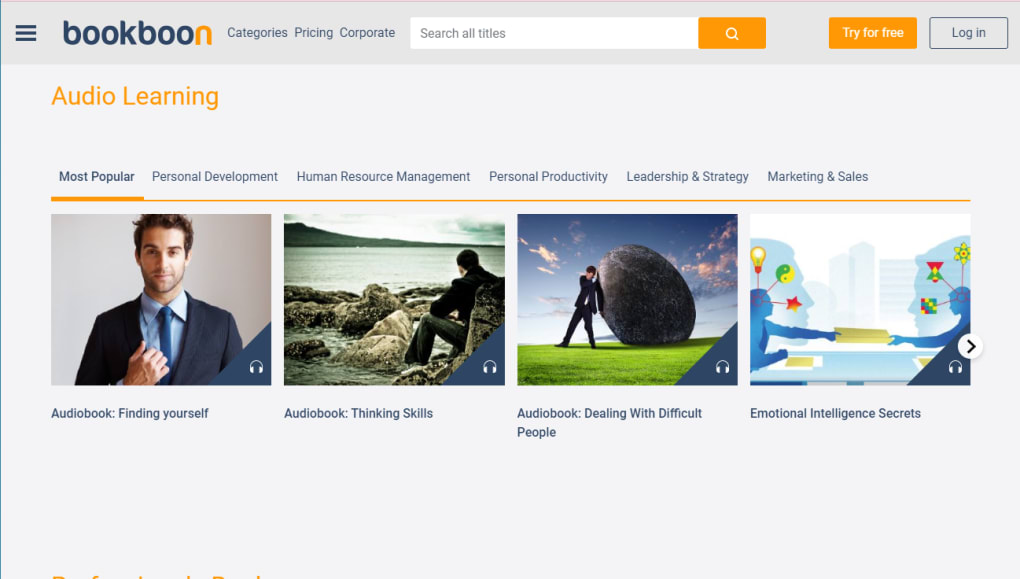
- Extensive Content Library: Over 5,000 e‑books and audiobooks, plus short video modules that cover technical subjects, soft skills, and industry‑specific knowledge.
- Team Management Dashboard: Create, organize, and assign Teams; set learning goals; and track hours spent on each course from a single view.
- AI Recommendation Engine: Automatically suggests courses that align with a learner’s past activity, job role, and emerging trends.
- Group Learning Mode: Facilitates discussions, quizzes, and peer‑review activities to make the learning experience interactive and inclusive.
- Progress Analytics: Real‑time reporting on completion rates, assessment scores, and time‑on‑task, useful for managers to measure ROI.
- Offline Access: Download e‑books or audio files for learning without an internet connection, ideal for commuters or remote sites.
- Multi‑Device Sync: Seamlessly switch between Windows, macOS, Android, and iOS devices while keeping progress synchronized.
- Secure Cloud Storage: All content is stored on encrypted servers, complying with GDPR and other data‑privacy standards.
- Custom Branding (Enterprise Tier): Add your company logo and color scheme to the learning portal for a cohesive brand experience.
- Flexible Subscription Plans: Choose from Basic (free trial), Professional, and Enterprise tiers, each with tier‑specific features and pricing.
Beyond the raw list of capabilities, Bookboon’s design philosophy centers on minimizing friction. The user interface follows a clean, card‑based layout that instantly surfaces the most relevant courses based on the user’s role and previous selections. Search is powered by natural‑language processing, allowing learners to type queries like “effective negotiation techniques” and receive curated results within seconds. The platform also supports embedded assessments, giving learners immediate feedback and reinforcing retention. For managers, the ability to export progress reports into CSV or integrate with HRIS tools via API is a major time‑saver, turning learning data into actionable insights.
Installation, Usage & Compatibility
Getting Started – Simple Installation Steps
- Visit the official Bookboon website and click the “Start Free Trial” button.
- Create an account using your work email or sign in with Google/LinkedIn for single‑sign‑on convenience.
- Choose a role (Administrator, Manager, Learner) – this determines which dashboard features you’ll see.
- After verification, you’ll be taken to the onboarding wizard where you can set up your first Team, define a learning focus, and invite members via email.
- Download the mobile app from the Apple App Store or Google Play Store for iOS and Android access, or simply use the web portal on any modern browser.
How to Use the Platform Effectively
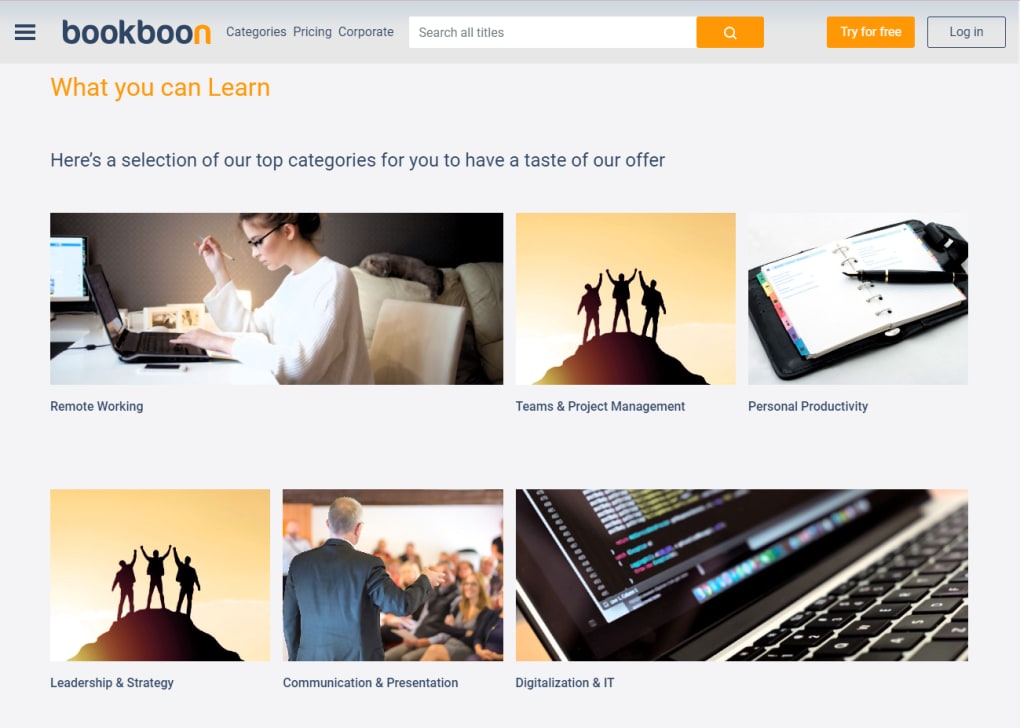
Once logged in, the home screen displays “Recommended for You” based on the AI engine, followed by “Trending Courses” and “Your Teams.” Click a course card to view the syllabus, preview a short clip, and read learner reviews. For group learning, navigate to the “Teams” tab, select a team, and assign a “Focus” – for example, “Project Management Essentials.” Team members receive a notification and can begin the course at their own pace. Managers can monitor real‑time progress via the dashboard, set deadlines, and unlock additional resources such as live webinars or downloadable worksheets. The built‑in quiz feature auto‑grades responses, and a final certification can be issued upon completion.
System Requirements & Operating System Compatibility
Bookboon is a web‑native SaaS solution, which means it runs on any device with a modern browser (Chrome, Edge, Firefox, Safari). For native app experiences, the platform offers:
- Windows 10/11: Full‑screen web app or optional Electron‑based desktop client.
- macOS 11+ (Big Sur) : Browser‑based access; no dedicated Mac app is required.
- iOS 13+: Free Bookboon app available on the Apple App Store.
- Android 8+: Bookboon app downloadable from Google Play Store.
All data syncs through encrypted HTTPS connections, and offline mode stores content locally on the device until the next internet session. The platform also supports single‑sign‑on (SSO) via SAML or OAuth2 for enterprises that manage credentials centrally.
Pros & Cons – Balanced Review
Pros
- Massive library of free and premium e‑books and audio courses.
- Group‑learning tools foster collaboration and knowledge sharing.
- AI‑driven recommendations keep learning pathways relevant.
- Robust analytics and reporting for managers and HR teams.
- Cross‑platform support – works on Windows, macOS, Android, and iOS.
- Secure cloud storage with GDPR compliance.
- Flexible subscription tiers suitable for startups to large enterprises.
Cons
- Content catalog, while extensive, still lacks depth in highly specialized technical fields.
- Free trial is limited to 30 days; some users may feel rushed to evaluate.
- Advanced reporting features are only available on higher‑priced Enterprise plans.
- Interface, though clean, can feel a bit minimalist for power users who prefer more customization.
- Limited integration options out‑of‑the‑box; custom API work may be needed for some HRIS systems.
Overall, Bookboon delivers a solid, secure, and user‑friendly learning environment that shines in collaborative settings. While the platform could benefit from deeper niche content and broader native integrations, its strengths in AI recommendations, analytics, and cross‑device accessibility make it a compelling choice for businesses that value continuous professional development.
Frequently Asked Questions
Is Bookboon really free to use?
Bookboon offers a 30‑day free trial that gives full access to its entire library. After the trial, you can continue with a paid subscription, but there is also a limited “Basic” tier that remains free with restricted content.
Can I track my team’s learning progress?
Yes. Administrators have a dedicated dashboard that shows completion rates, time spent on each course, quiz scores, and can export reports for performance reviews.
Does Bookboon work offline?
Downloaded e‑books and audiobooks can be accessed offline through the mobile app. However, analytics and progress syncing require an internet connection.
What devices are supported?
Bookboon runs on any modern web browser and has native apps for iOS (13+) and Android (8+). Desktop users on Windows 10/11 or macOS 11+ can access the platform via browser or optional Electron client.
How does the AI recommendation engine work?
The engine analyses your completed courses, time spent, and the skills you’ve marked as interests. It then surfaces new courses that align with your career path and current industry trends.
Ready to empower your workforce with modern, collaborative learning? Start your free 30‑day trial today and see how Bookboon can accelerate professional growth across your organization.



.png)



